
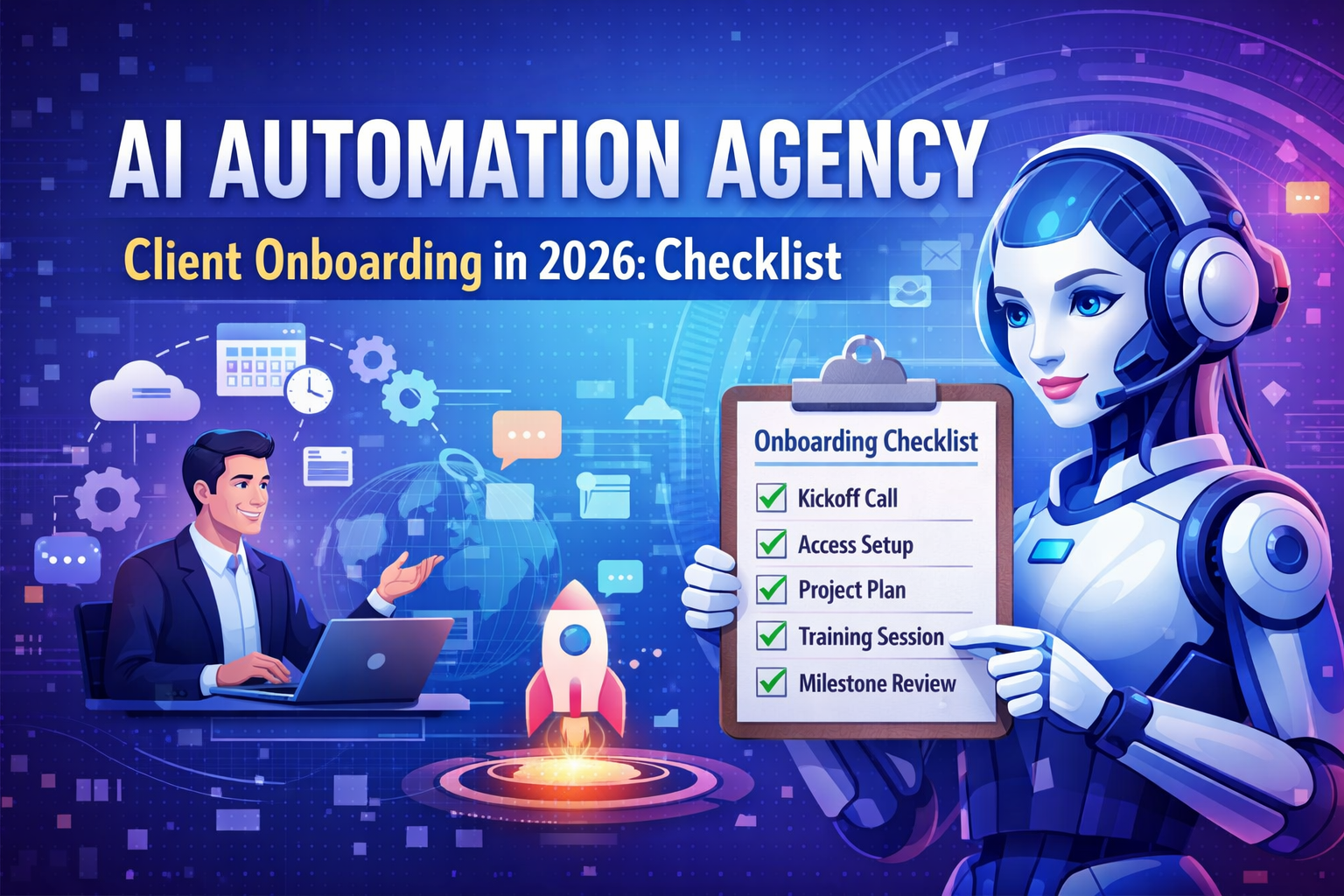
Client onboarding is where most automation projects either become long-term retainers—or turn into endless scope creep.
In 2026, buyers expect fast time-to-value, clear documentation, strong security practices, and predictable communication. This guide gives you a repeatable onboarding system you can copy-paste for your AI automation agency, including a complete client onboarding checklist, templates, and a tool stack for delivering reliable automations.
Why onboarding matters for AI automation projects (more than "regular" agencies)
Automation work fails when:
- Inputs are unclear (data sources, edge cases, access levels).
- Ownership is fuzzy (who approves, who tests, who maintains).
- Success metrics aren’t defined (time saved, error rate, conversion lift).
- The delivery process is improvised instead of standardized.
A structured onboarding fixes this by making the first 7–14 days about alignment and access—not building too early. It also helps you productize agency service delivery so every client gets the same high-quality experience.
The 2026 onboarding workflow (overview)
Here’s the sequence that works for most service packages:
- Close & payment (contract + first invoice).
- Welcome email (sets expectations + links).
- Intake & access (forms + credentials + permissions).
- Discovery workshop (use-cases + constraints + prioritization).
- Solution design (scope boundaries + architecture + timeline).
- Build sprint (with test plan).
- UAT + launch (client validation + release).
- Training + handoff (SOPs + monitoring).
- Ongoing optimization (retainer + roadmap).
The client onboarding checklist (copy/paste)
Use this as a standard operating procedure. Put it in Notion, ClickUp, or your PM tool.
Phase 1: Pre-kickoff (Day 0–2)
- Contract signed (MSA + SOW).
- Invoice paid / subscription started.
- Primary stakeholders confirmed (decision-maker + operator + IT/security).
- Communication channel created (Slack/Teams) + meeting cadence agreed.
- Project hub created (Notion/Drive) with folders: 00-Admin, 01-Discovery, 02-Design, 03-Build, 04-Testing, 05-Launch, 06-SOPs & Training.
Phase 2: Intake + access (Day 1–5)
- Intake form completed (business goals, process map, tools list).
- Access granted using least-privilege permissions.
- Data sources identified (CRM, email, tickets, sheets, database).
- API keys stored securely (1Password/Bitwarden).
- Sandbox/test environments confirmed (where possible).
- Compliance requirements confirmed (GDPR, SOC 2, HIPAA—if applicable).
Phase 3: Discovery workshop (Day 3–7)
- Top 3 workflows prioritized by ROI.
- Definition of done set for each workflow.
- Edge cases documented.
- Human-in-the-loop approvals confirmed.
- Error-handling expectations set (alerts, retries, fallbacks).
Phase 4: Solution design (Day 5–10)
- Architecture diagram delivered.
- Scope boundaries confirmed (in/out).
- Timeline + milestones shared.
- Testing plan shared (UAT steps + acceptance criteria).
- Support model agreed (SLA, response times).
Phase 5: Build → UAT → Launch (Day 7–21)
- Build sprint executed.
- Client review checkpoint scheduled.
- UAT completed and signed off.
- Production launch performed.
- Monitoring + alerts enabled.
Phase 6: Training + retention (Day 14–30)
- SOP delivered (how it works, how to troubleshoot).
- Loom training recorded.
- KPI dashboard shared (time saved, failures, throughput).
- Optimization backlog created.
- Retainer / next sprint approved.
Essential templates that speed up automation client onboarding
These templates reduce back-and-forth and help you productize your delivery.
1) Welcome email template (Day 0)
Subject: Welcome — Next steps for your automation onboarding
Hi {{Name}},
Excited to kick off. Here’s what we’ll do in the first week:
- You’ll complete a short intake form (5–10 minutes).
- We’ll collect tool access securely.
- We’ll run a 60-minute discovery workshop to finalize priorities and success metrics.
Links:
- Intake form: {{Link}}
- Project hub: {{Link}}
- Schedule kickoff: {{Link}}
What we need from you:
- Confirm the main stakeholder for approvals.
- Add {{AgencyEmail}} to the tools listed in the intake.
We’ll aim to deliver your first live workflow by {{Date}}.
Thanks,
{{YourName}}
2) Intake form (questions that actually matter)
Include these sections:
- Business goal: What should improve? (speed, cost, conversion, accuracy)
- Current process: Step-by-step, including handoffs.
- Tools list: CRM, helpdesk, email, spreadsheets, database, calendar.
- Volume: How many items per day/week? (leads, tickets, orders)
- Failure impact: What happens if it breaks?
- Approval needs: Who must approve before actions occur?
- Data sensitivity: PII, payment data, health data.
- Success metrics: “We’ll call this a win if…”
3) Kickoff / discovery workshop agenda (60 minutes)
Outcomes (10 min): Confirm the KPI(s) and what success looks like.
Workflow walkthrough (20 min): Current steps, owners, exceptions.
Automation design (20 min): Triggers, actions, approvals, fallbacks, logging.
Delivery plan (10 min): Milestones, UAT, launch date, communication cadence.
Tool stack for onboarding + delivery (and how to choose)
Your stack should support secure access, quick iteration, and easy documentation.
Automation layer: pick what fits your client
You’ll commonly choose between:
- Make.com scenarios for visual complexity, fast iteration, and strong ops tooling.
- n8n workflows when clients want self-hosting, custom nodes, and dev-friendly control.
- Zapier alternatives (including Make, n8n, Pipedream, Workato depending on client size) when pricing, governance, or flexibility is a concern.
Pair this with your AI layer (LLM, classification, extraction, RAG) and a reliable logging/monitoring method to deliver consistent AI workflow automation results.
Project + documentation
- Notion / ClickUp / Linear for tasks and SOPs.
- Google Drive for structured folders + deliverables.
- Loom for training and walkthroughs.
Security + access
- 1Password / Bitwarden for secrets.
- Least-privilege permissions + role-based access.
- DPA + data retention policy (especially when using AI).
Deliverables clients should receive by Day 14
To reduce churn and increase referrals, commit to concrete onboarding deliverables:
- Workflow map (current → future state).
- Architecture diagram (systems, triggers, data flow).
- First automation shipped (even if small) to prove value.
- UAT checklist so approvals are fast.
- SOP + training so the client isn’t dependent on you for basic operations.
This is the fastest path to repeatable outcomes—and a strong foundation for reusable automation workflow templates you can deploy across similar clients.
How to prevent scope creep during onboarding
Most scope creep starts as “small asks” before you’ve defined boundaries. Use these controls:
- Define the workflow unit: one trigger + defined outputs + success metric.
- Lock inputs: which sources are in scope (and which are not).
- Create a change request lane: new workflow requests go to backlog with estimates.
- Set a weekly capacity rule (example: 2 iterations/week included).
Tie this to your AI automation pricing model (package limits, retainer hours, or per-workflow) so limits are clear before work begins.
KPI dashboard: what to track in 2026
Clients stay when they can see the ROI. Track:
- Hours saved per week.
- Automation success rate (runs vs failures).
- Average processing time.
- Human review rate (how often approvals are needed).
- Revenue impact where applicable (lead response time, conversion rate).
If you’re also building pipeline, use onboarding insights to sharpen lead generation for automation agencies—for example, which niches onboard fastest and which workflows ship quickest.
30-60-90 day plan (retainer-friendly)
A simple roadmap makes renewal feel obvious.
First 30 days: stabilize + document
- Ship 1–3 core automations.
- Implement monitoring/alerts.
- Deliver SOPs + training.
Days 31–60: optimize + expand
- Improve edge-case handling.
- Add dashboards and cost controls.
- Roll out one new workflow template.
Days 61–90: scale
- Add governance (approvals, audit logs).
- Reduce manual exceptions.
- Build an automation backlog tied to ROI.
This is where reusable automation workflow templates become your advantage: you deliver faster, with fewer mistakes.
Quick FAQ
How long should onboarding take?
For most small business automation projects: 7–14 days to complete onboarding, and 14–21 days to ship the first meaningful workflow (depending on access and complexity).
What if a client won’t give access?
Offer a guided build option: screen-share sessions, temporary tokens, or building in a sandbox environment until security approves production access.
What’s the most common onboarding bottleneck?
Waiting on credentials and stakeholder feedback. Fix it by assigning one internal owner on the client side and using a strict UAT checklist.
Final takeaway
If you want consistent results, treat onboarding as its own product. With a standardized checklist, clear deliverables, and the right automation platform, your first two weeks become a repeatable engine for retention—rather than a messy scramble.
If you run an AI automation agency, tightening onboarding is one of the highest-leverage moves you can make in 2026.
