
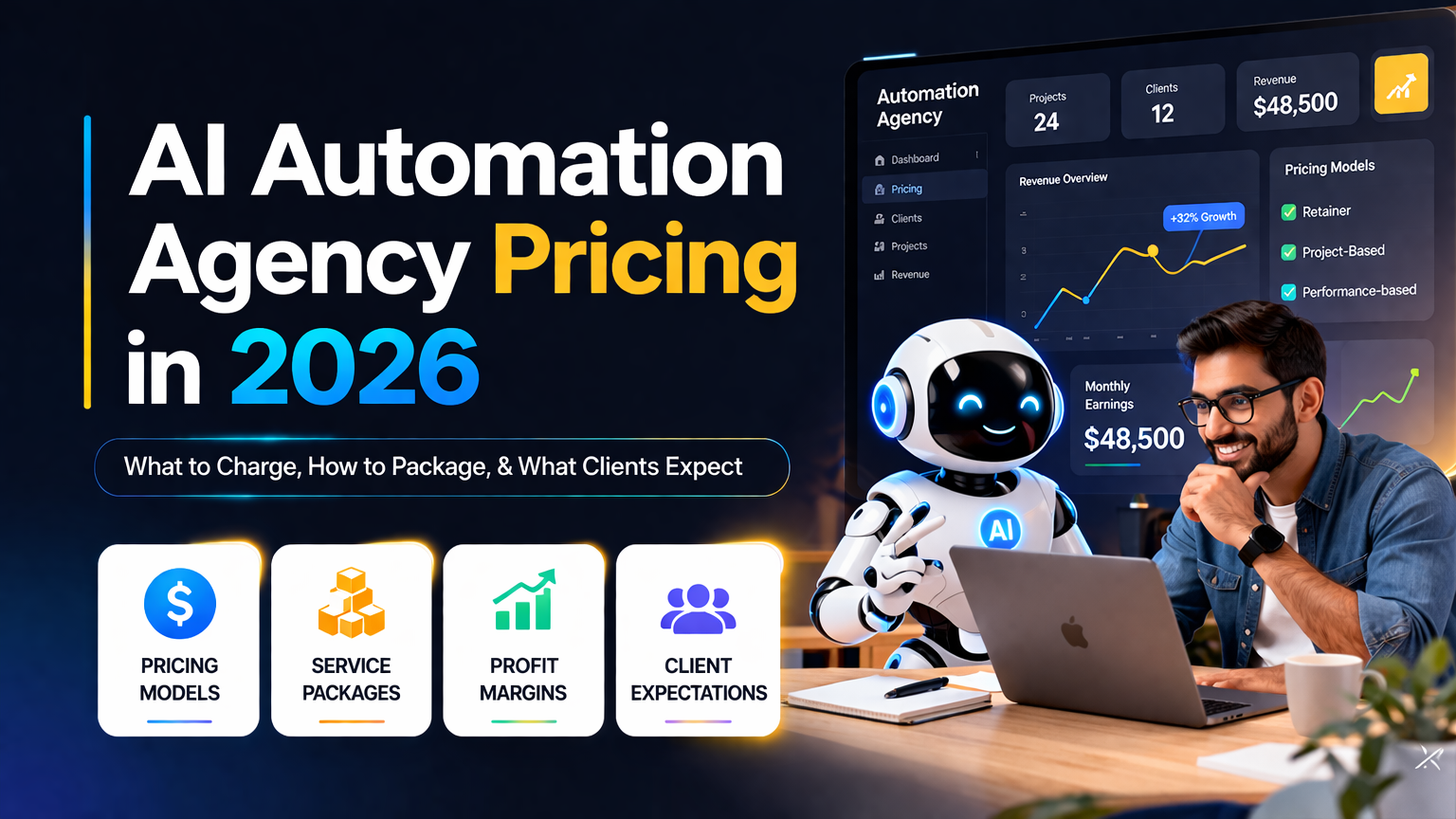
If you’re building (or scaling) an AI automation agency, pricing is the fastest way to either win great clients and grow predictably, or get stuck in endless custom quotes and scope creep.
This 2026 guide shows you how to price AI workflow automation using clear packages, value-based thinking, and simple guardrails—so small businesses understand what they’re buying and you protect your margins.
Why AI workflow automation pricing is different than “normal” automation
Traditional automation used to mean “connect app A to app B.” In 2026, clients expect AI summarization, routing, decision support, and lightweight agent-like behavior across their tools.
That means your AI automation agency pricing must cover more than just building the workflow. You’re also pricing for strategy, reliability, and ongoing iteration.
In practical terms, your price should include:
- Strategy + process design (often the real value)
- Build time across tools like Zapier AI and Make.com automations
- Testing, edge cases, error handling, and monitoring
- Ongoing iteration (models change, prompts evolve, business rules shift)
If you price only by “number of zaps/scenarios,” you’ll usually undercharge for business process automation that includes AI components.
The 4 most common AI automation agency pricing models
Pick one primary model for your offers and keep the rest as optional add-ons. This makes your AI automation agency pricing easier to explain and easier to sell.
1) Fixed-scope packages (best for small business automation)
You define what’s included (and not included), deliver within a set timeline, and the buyer gets certainty. This works especially well for small business automation where stakeholders want clear outcomes and a fixed budget.
When to use: lead gen ops, onboarding flows, basic support workflows, internal reporting.
2) Value-based pricing (best for high-impact workflows)
You price based on outcomes: hours saved, reduced churn, increased conversion rate, fewer support tickets, faster sales cycles. Value-based pricing is powerful for AI workflow automation because AI often changes decision speed and quality—not just labor time.
When to use: revenue operations, sales enablement, customer success automation.
3) Time & materials (best for ambiguous discovery)
Hourly/day rates work when the scope is unclear. It’s harder to sell and can incentivize slower delivery, but it can be appropriate when you truly can’t define the workflow boundaries yet.
When to use: deep legacy systems, messy handoffs, multi-department processes.
4) Retainers (best for stable cashflow)
A monthly automation retainer covers monitoring, optimization, and incremental improvements. This is usually the most sustainable model once you have a repeatable delivery system.
When to use: clients with evolving processes, frequent campaigns, multiple tools.
Tip: If you’re doing recurring improvements to ChatGPT business automation prompts and routing logic, a retainer is often more profitable than constant re-scoping.
What should you charge? Practical 2026 pricing ranges
Pricing varies by niche, tool stack, compliance needs, and speed requirements. Use these ranges as a starting point for business process automation that includes AI.
Typical one-time AI workflow automation project ranges
- Starter workflow (1–2 core automations): $1,000–$3,500
- Growth system (3–6 workflows + dashboards + QA): $4,000–$12,000
- Ops overhaul (6–15 workflows + integrations + governance): $12,000–$35,000+
Typical automation retainer ranges
- Light monitoring + minor tweaks: $500–$1,500/mo
- Optimization + new workflows monthly: $1,500–$5,000/mo
- Ops partner (priority + SLA + experimentation): $5,000–$12,000+/mo
The 7 pricing factors that actually matter (and how to explain them)
Clients don’t buy “webhooks” and “JSON.” They buy reliability and outcomes. Use these drivers to justify your AI automation agency pricing in plain English:
- Complexity of decision-making (simple triggers vs multi-step logic)
- Number of systems involved (CRM, helpdesk, email, billing, project tools)
- Data quality (clean inputs are cheaper; messy inputs cost more)
- Risk + compliance (PII, audit logs, regulated industries)
- Human-in-the-loop needs (approvals, escalations, exception handling)
- Reliability requirements (retries, fallbacks, monitoring, alerts)
- Speed to deploy (rush delivery should cost more)
When you present pricing, label these as engineering and operations safeguards—not “extra features.”
Packaging that sells: 3 offer tiers you can copy
These packages are designed to be easy to buy and easy to deliver. They also map cleanly to AI workflow automation scope so you can reduce custom quoting.
Package 1: Automation Quickstart (7–10 days)
Best for: first-time buyers who want results fast.
Includes:
- Process mapping for one workflow
- 1–2 automations built (example: lead intake → CRM → follow-up)
- Basic AI steps (summaries, classification, routing)
- Basic monitoring + handoff training
Good stack: Zapier AI for speed and straightforward builds.
Package 2: Ops Growth System (2–4 weeks)
Best for: teams with multiple handoffs and recurring manual work.
Includes:
- 3–6 automations across sales, support, and ops
- Shared error-handling standards
- Centralized reporting
- Documented SOPs + walkthroughs
Good stack: Make.com automations for multi-branch logic and cost control.
Package 3: AI Ops Partner (monthly automation retainer)
Best for: companies that want ongoing improvement, not a one-off build.
Includes:
- Monitoring, alerts, and monthly optimization
- 1–3 new workflows or upgrades per month
- Prompt iteration + governance
- Quarterly roadmap planning
This is where AI agent workflows become compelling—when you continually refine how tasks are triaged, summarized, escalated, and logged.
Don’t sell “automations.” Sell outcomes.
Outcome-driven messaging usually converts better than tool-first messaging. Here are angles you can use on proposals and sales calls:
- Reduce lead response time from 2 hours to 2 minutes.
- Auto-triage support tickets so urgent issues reach the right person instantly.
- Create a single source of truth: every sales call summarized and logged to CRM automatically.
Behind the scenes you might use automation templates to accelerate delivery—but the buyer is purchasing speed, consistency, and clarity.
Your scope-control checklist (to prevent endless revisions)
Add these items to every proposal or SOW to protect margins and keep delivery predictable.
Define what counts as a “workflow”
Example definition: one trigger + up to X steps + up to Y branches + up to Z external apps.
Limit revisions
Two rounds of revisions per workflow. Additional changes are billed hourly or added to the automation retainer.
Set data and access requirements
The client must provide admin access, API keys, sample data, and a point of contact for testing and approvals.
Establish reliability boundaries
You guarantee your logic; you can’t guarantee third-party outages or vendor API changes.
A simple pricing calculator (without overthinking it)
A base fee plus complexity multipliers keeps pricing consistent while still accounting for real delivery effort.
Step 1: Start with a base build price per workflow (example): $900.
Step 2: Add multipliers based on what the workflow requires:
- Multi-system integration: +$300–$1,500
- Advanced branching / edge cases: +$300–$1,200
- AI layer (classification, summarization, routing): +$250–$1,500
- Monitoring + alerts: +$150–$600
- Documentation + training: +$200–$800
Step 3: Bundle into a package discount if they buy 3+ workflows.
Real-world examples: what to charge for common small business builds
These examples assume you’re delivering tested, documented automations—not prototypes.
Example A: Lead intake + enrichment + follow-up
Flow: form → CRM → enrichment → AI summary → assign owner → email/SMS follow-up.
Typical price: $2,000–$6,000.
Example B: Support ticket triage + knowledge routing
Flow: helpdesk → AI categorization → priority routing → Slack alerts → CRM note.
Typical price: $3,500–$10,000.
Example C: Sales call notes → CRM updates → tasks
Flow: call recording summary → objections/tags → CRM fields → follow-up tasks.
Typical price: $2,500–$8,500.
If the client wants continuous improvement, attach a monthly automation retainer.
Tooling strategy that protects margin
To keep delivery profitable while maintaining quality:
- Use automation templates for repeatable patterns (intake, routing, logging, alerts)
- Standardize error-handling (retries, dead-letter steps, Slack notifications)
- Prefer modular design so one change doesn’t break everything
- Maintain a known-good prompt library for ChatGPT business automation tasks
FAQ
Should I charge per automation or per outcome?
Package per outcome, but estimate internally per workflow so you don’t under-scope.
What if a client wants an “AI agent”?
Sell it as a set of reliable AI agent workflows (triage, summarize, escalate, log) with clear boundaries—not a vague promise of a fully autonomous employee.
Do I need both Zapier and Make?
Not always. Many agencies use Zapier AI for speed and simple builds, and Make.com automations for complex branching and cost control.
Wrap-up: the simplest path to profitable AI automation agency pricing
1) Pick 3 packages that match your ideal buyer.
2) Define workflow limits and revision rules.
3) Attach a retainer for monitoring and iteration.
4) Sell outcomes, not technical steps.
If you consistently deliver reliable business process automation that saves hours every week, pricing becomes less about competition and more about trust.
Slug
ai-automation-agency-pricing-2026
Meta Title
AI Automation Agency Pricing in 2026: Packages, Retainers & Examples
Meta Description
Learn how to price AI workflow automation in 2026 with proven packages, value-based pricing, and automation retainer ranges. Includes real-world examples using Zapier AI and Make.com automations.
